
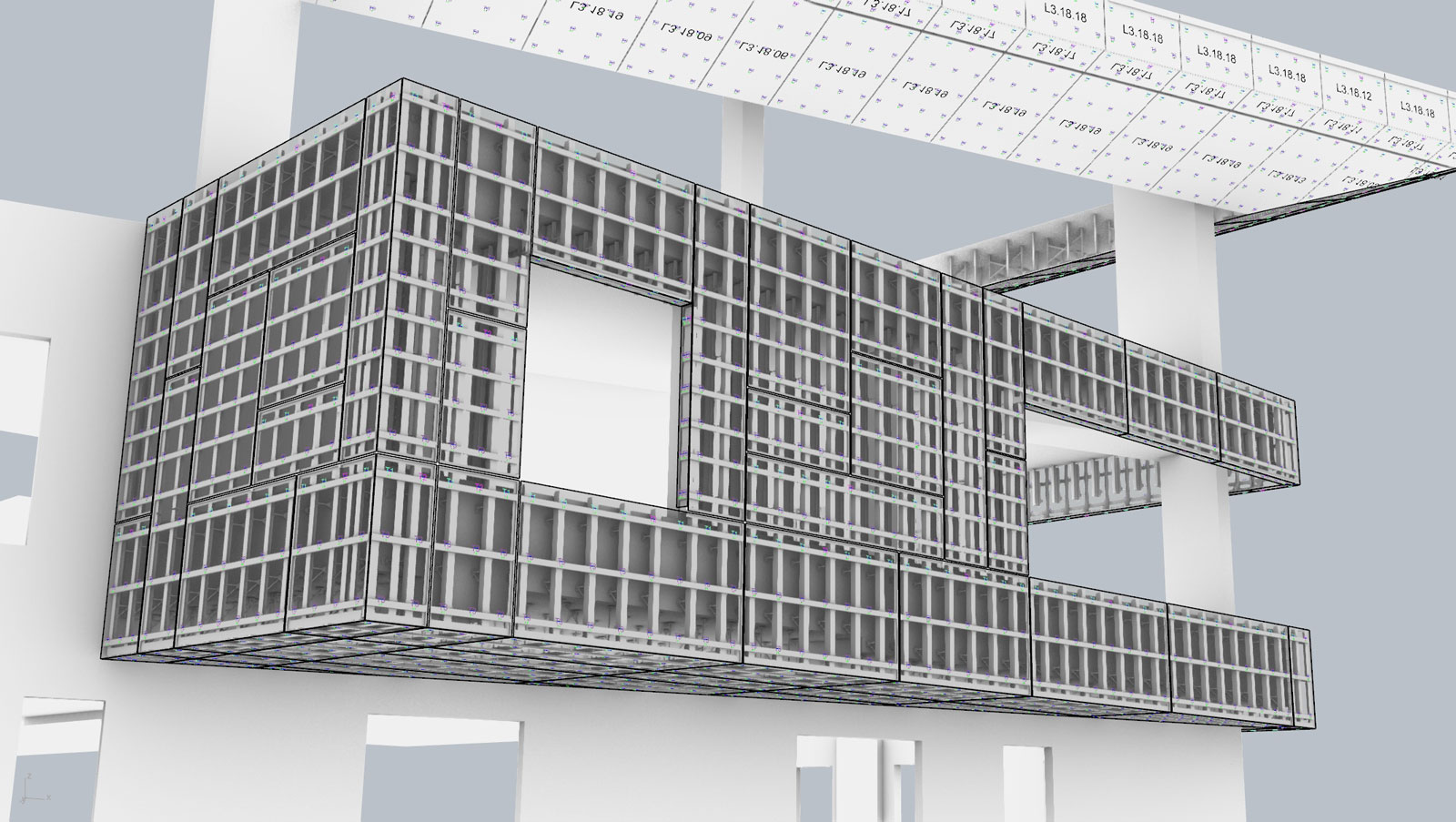
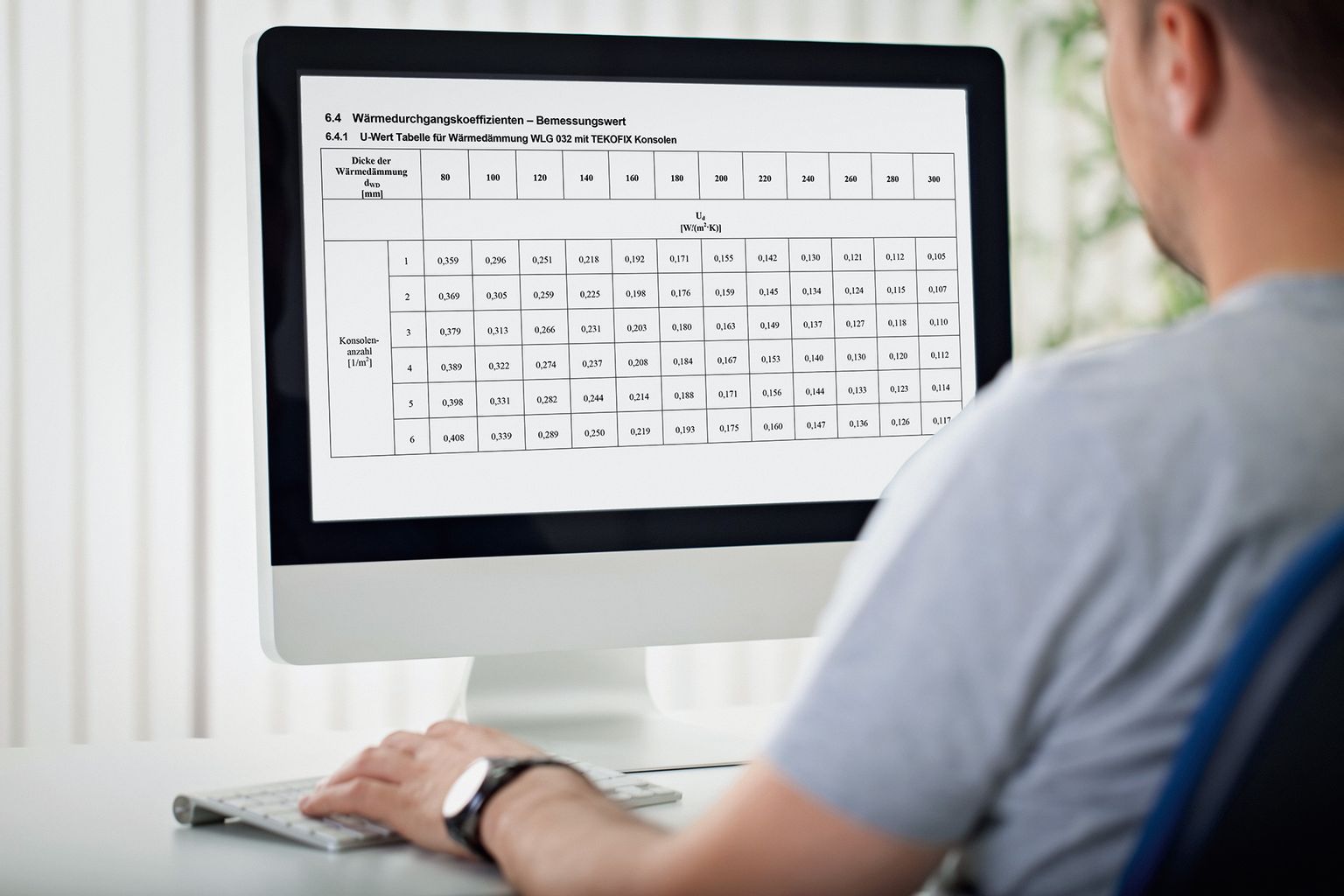
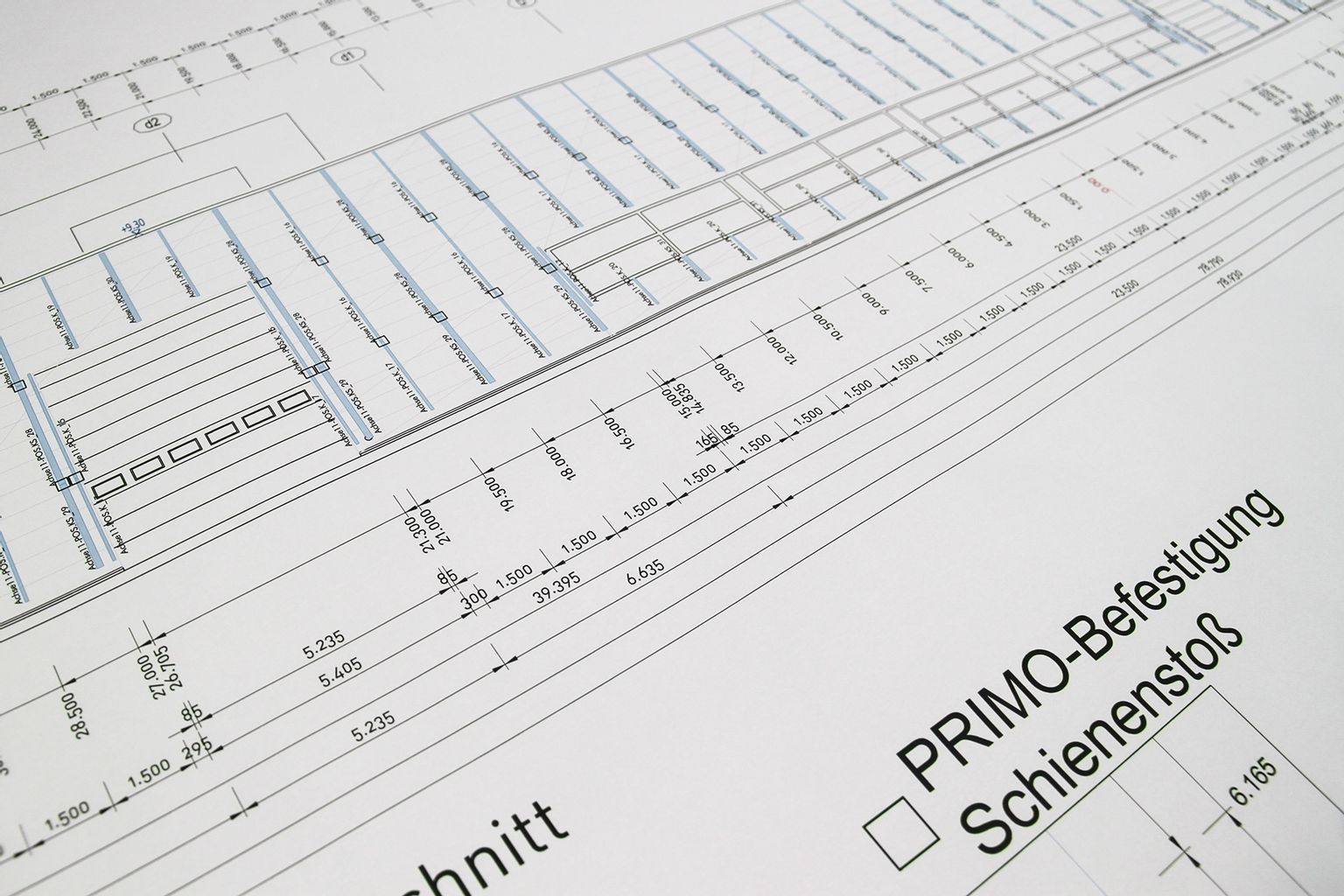
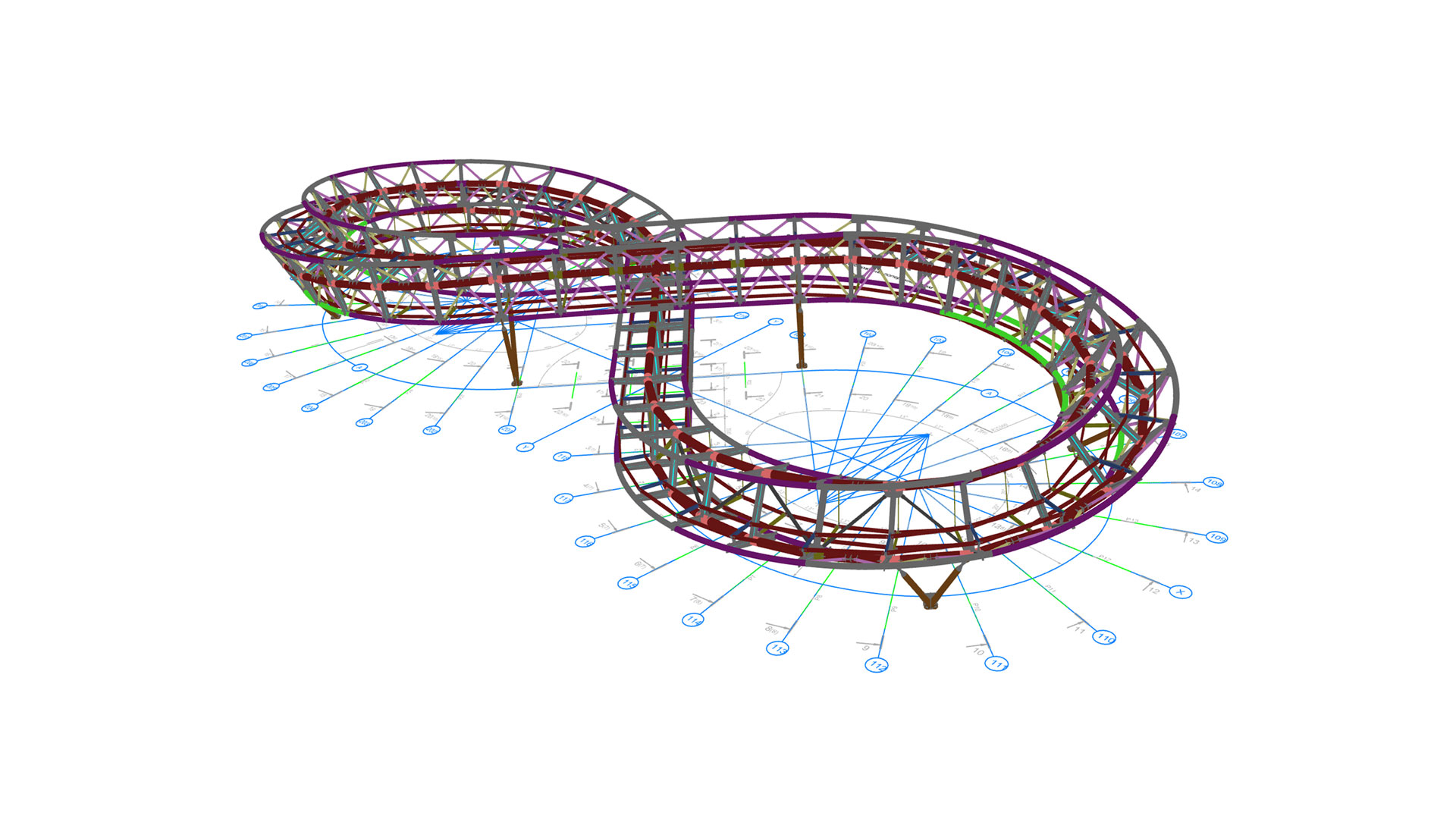




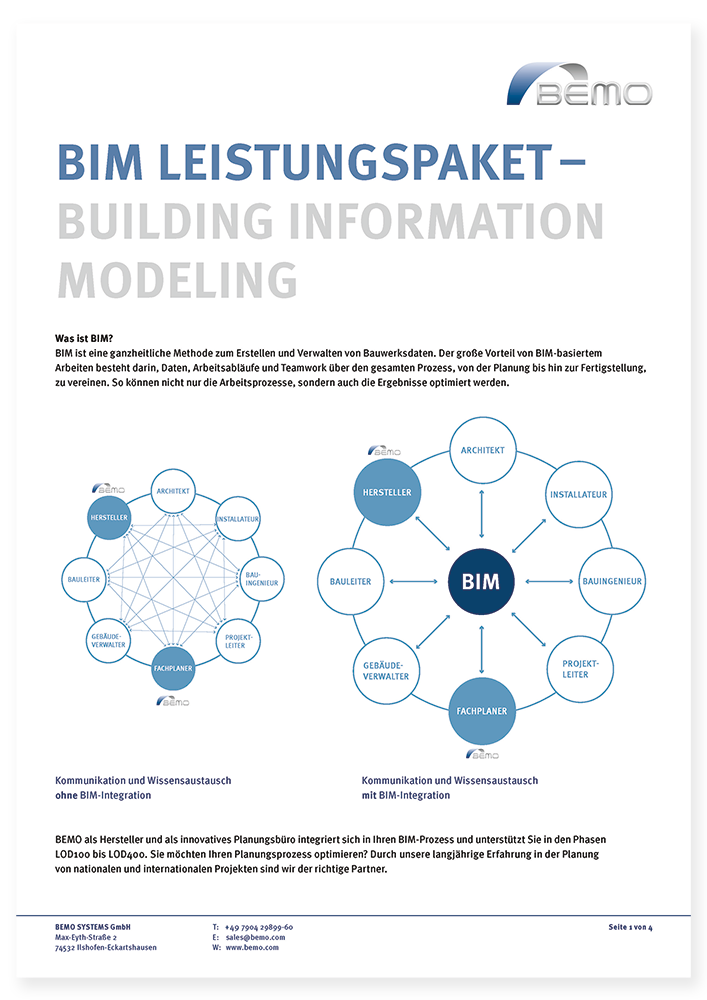
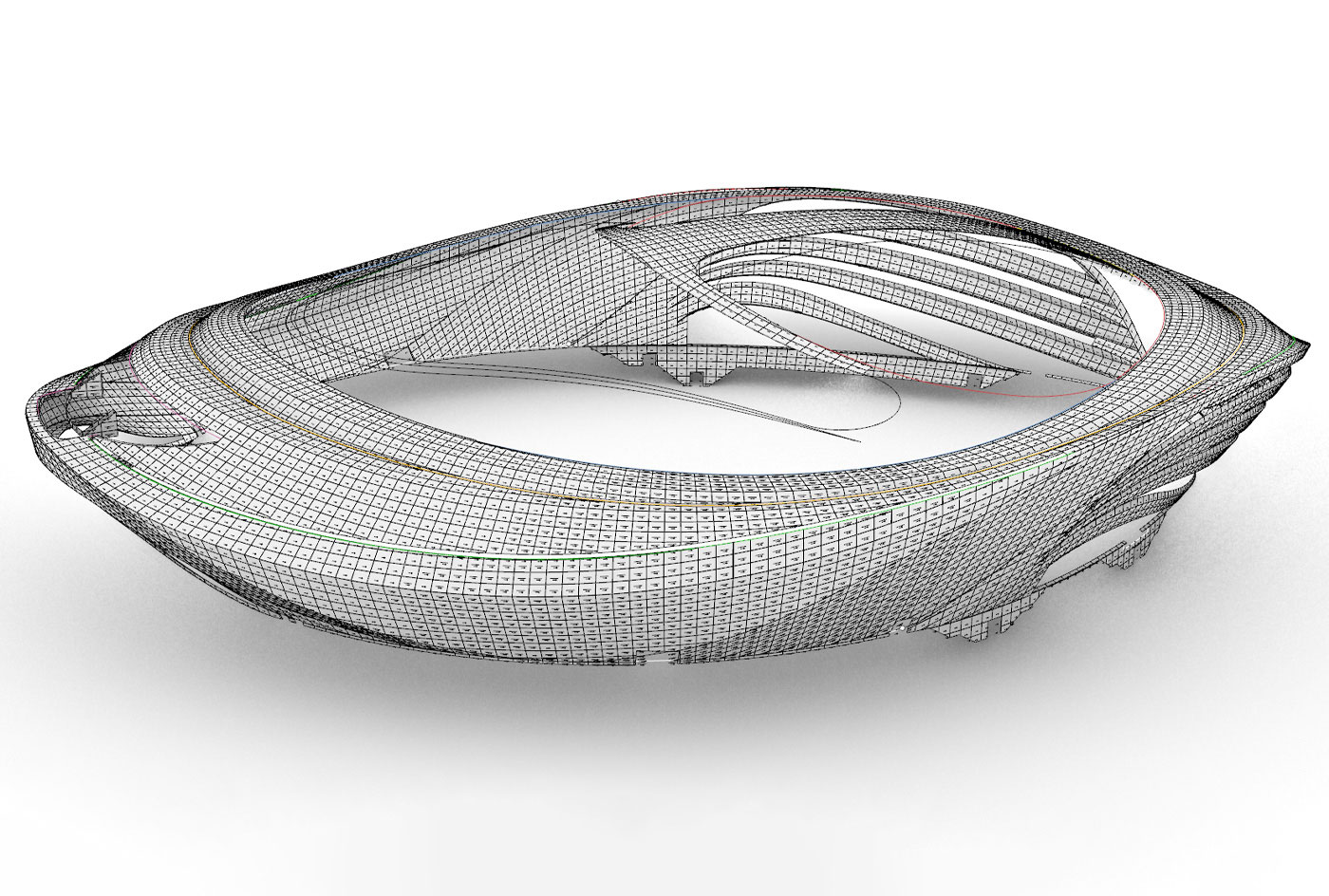
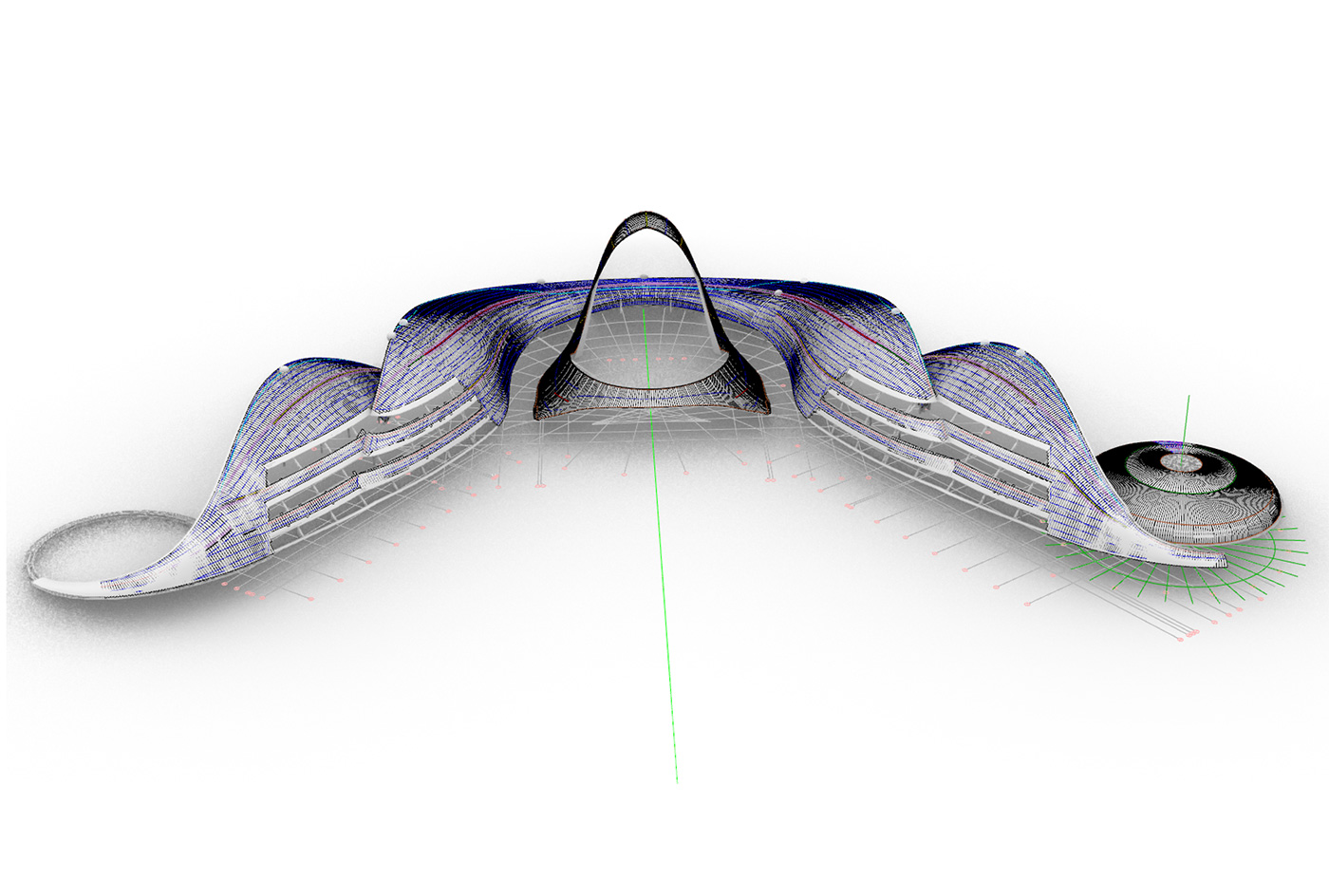
With BIM, project design gains transparency and, above all, cost and schedule certainty. This conserves resources and increases efficiency. BEMO is a pioneer in this industry and will support you in every LOD phase.
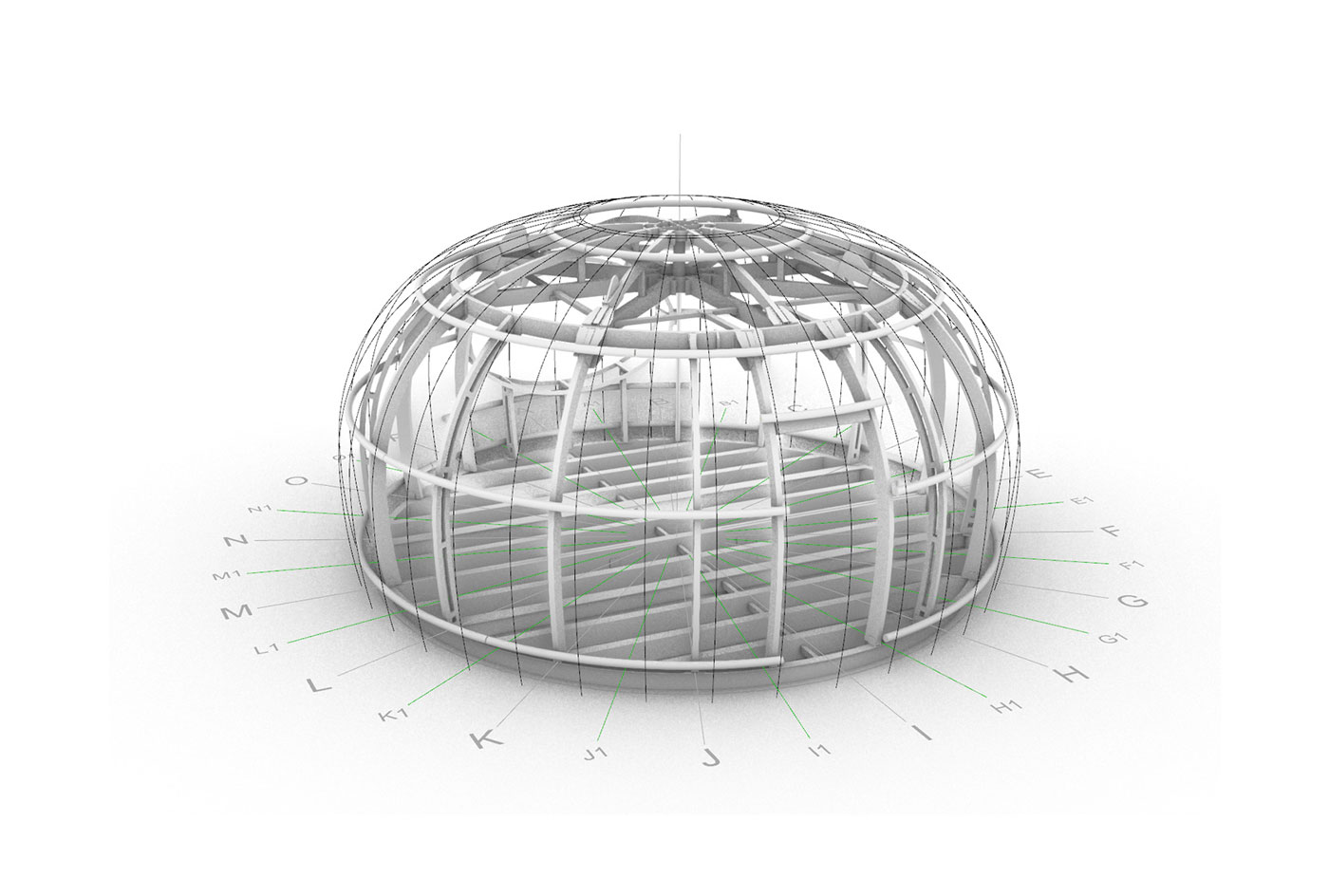
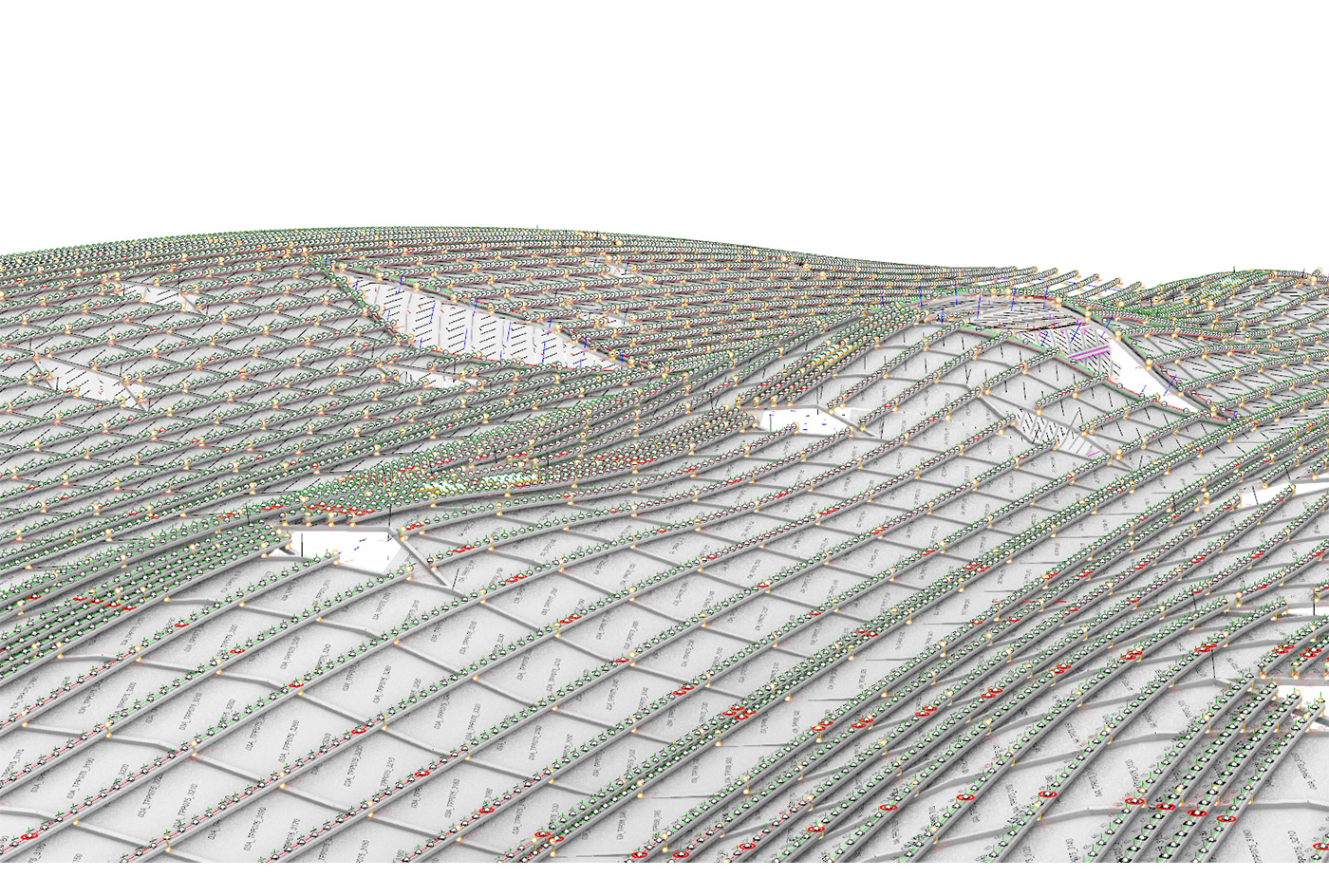
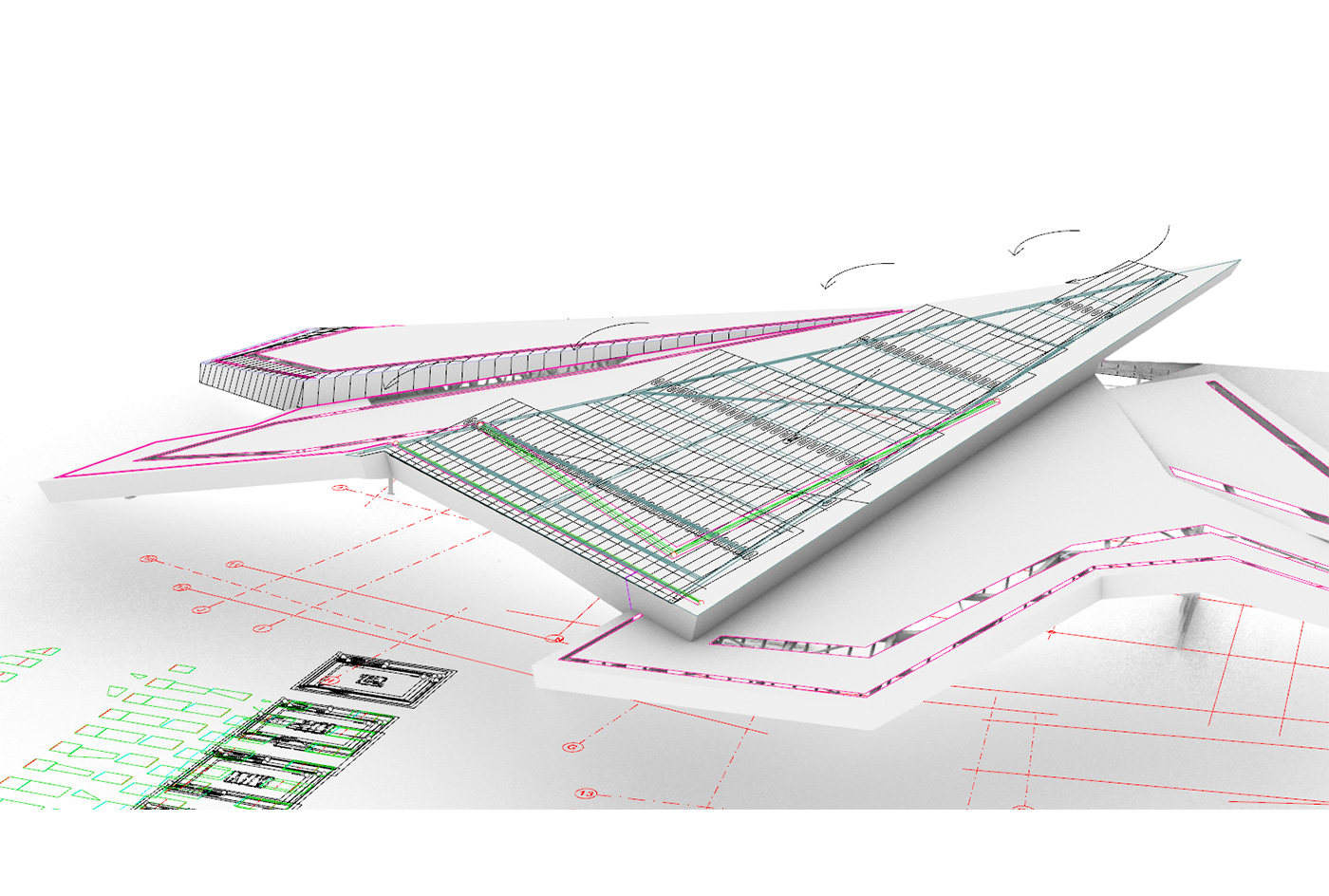
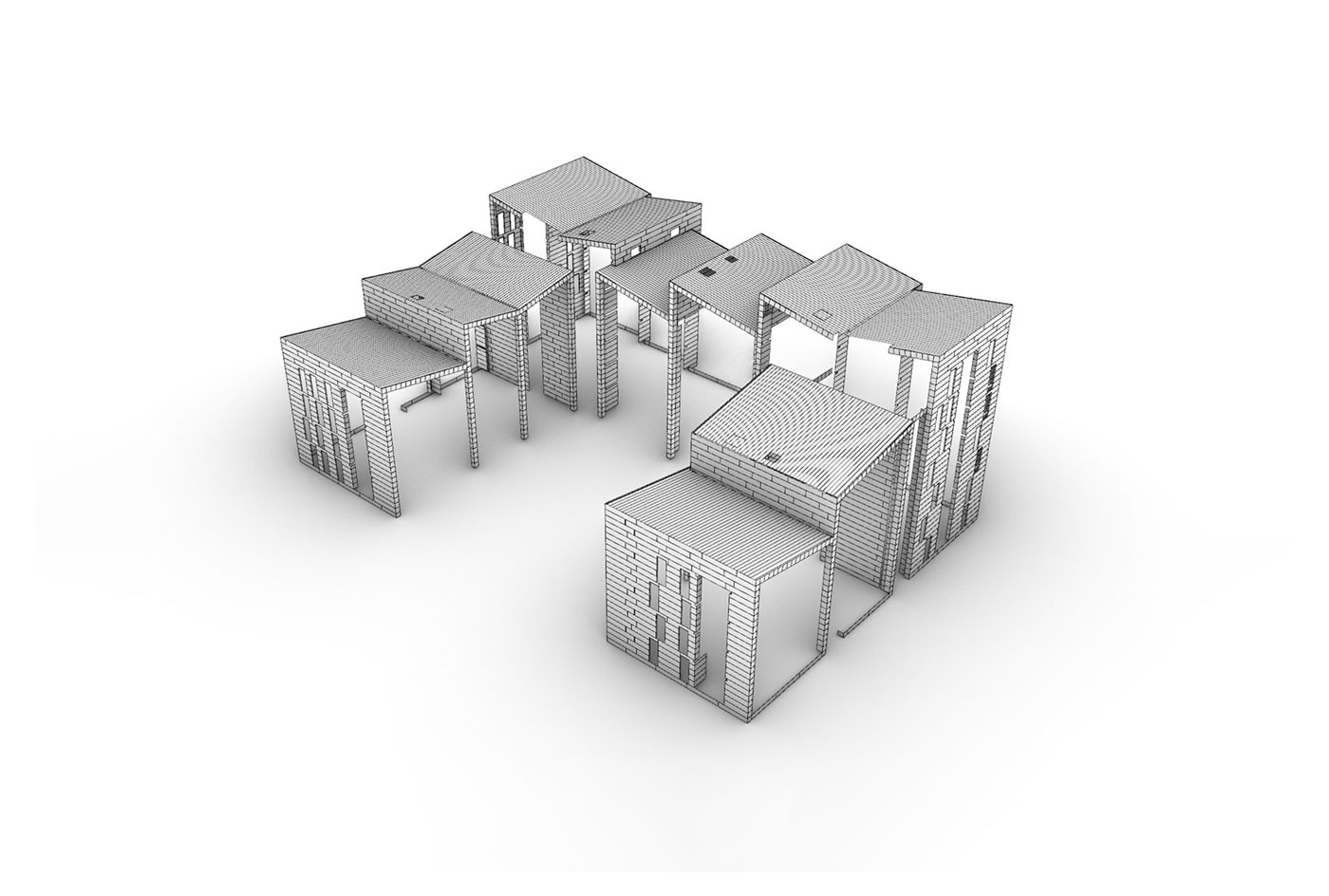
Digitally better building together with BIM
BEMO BIM data for downloading
Click the button below to load the content of www.bimobject.com.
Contact us!
Not found what you need?

As a manufacturer of highly customisable system products, BEMO offers a wide range of parametric BIM data for free download. Please feel free to contact our team if you need more BIM details or information about digital design with Building Information Modelling.
- Revizto
- Navisworks (also from Autodesk and geared more towards project management)
- ArchiCAD (3D BIM Software from Graphisoft)
- Edificius (2D and 3D dimensions)
- Autodesk BIM 360
- Buildertrend
- BIMObjekt (one of the few free software solutions for BIM content)
- BricsCAD BIM
In addition, Building Information Modelling shows what costs can be expected for material and labour, but maintenance costs can also be calculated. Another advantage: with BIM modelling, everyone involved in the project can work simultaneously on the digital model and track changes and progress in real time. Another advantage is that new information can be added by new users at any time and the model therefore functions as a guide for the entire project.
- Management of alphanumeric information is linked to that of geometric objects (levels of detail LOD/LOI are regulated by the BEP – BIM Execution Planning)
- Each model uses an origin point with the same coordinates (the BAP provides the coordinates)
- Axis grid and levels must be clearly named
- If properties change, elements should not be deleted, but the properties of the element should be updated